





[中文文档]
| English DocumentationIntroduction
Note: Starting from version v1.0.0, Umo Viewer no longer supports PDF document preview.
Umo Viewer is a document viewer for previewing Umo Editor documents. It was created to solve the preview problem of Umo Editor documents. In most non-editing scenarios, only the document content needs to be displayed without loading the entire editor to improve loading speed. Umo Viewer can seamlessly integrate with Umo Editor documents and maintain good compatibility.
Umo Editor is a localized open-source document editor based on Vue3 and Tiptap3. It provides powerful document editing capabilities, AI creation features, and supports pagination, Markdown syntax, rich text editing, and much more.
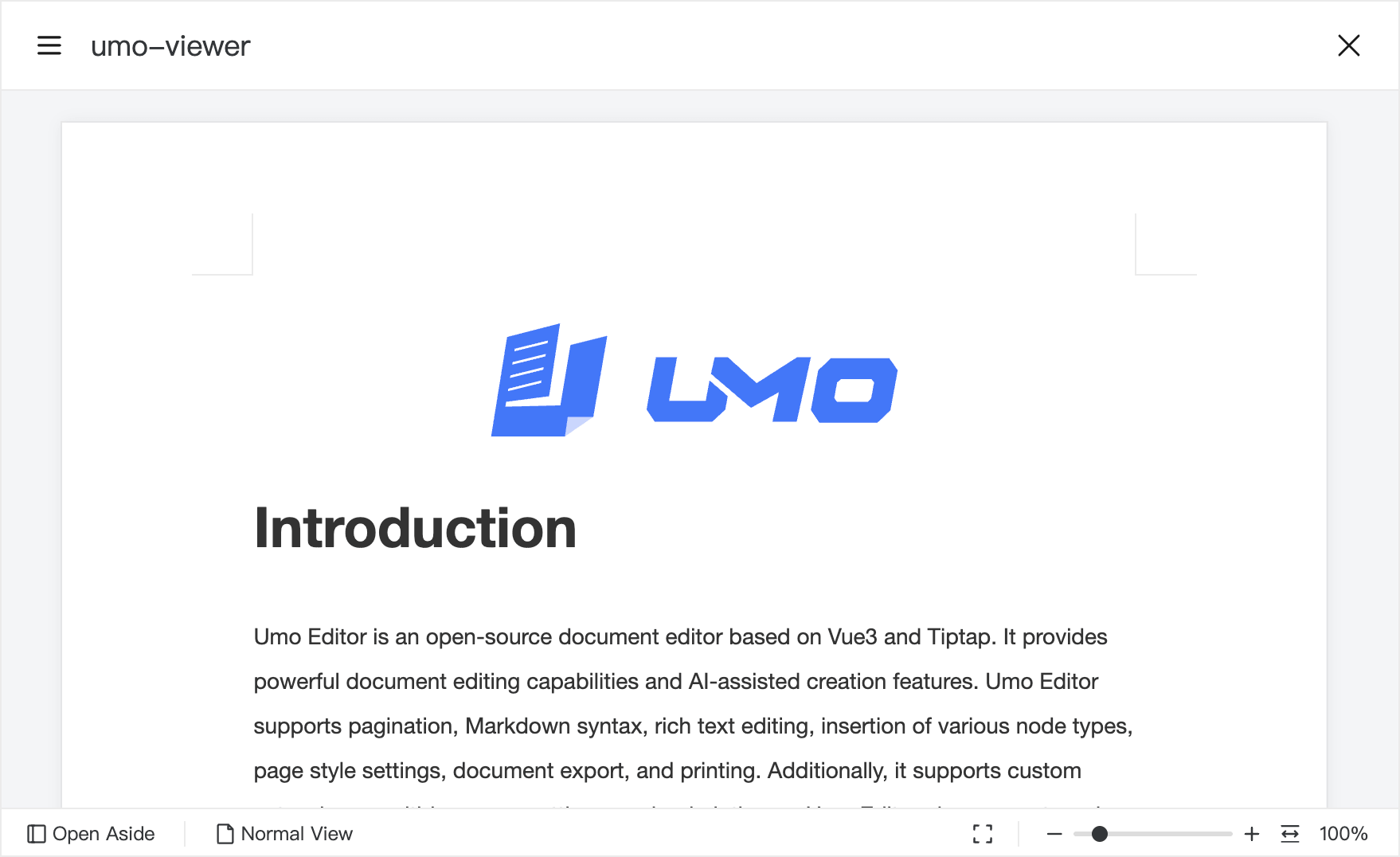
Online Experience
Visit https://www.umodoc.com/demo?target=viewer for a quick demo.
Documentation
See https://dev.umodoc.com/en/docs/viewer.
Key Features
- Support for previewing Umo Editor document content
- Password protection for documents
- Extensive customization options
- Multi-language support
- Custom themes
- Custom document metadata
- Print and share
- Automatic outline extraction
- Zoom and responsive layout
- Display in modal dialogs or embed via iframe
Browser Support
| Browser | Version | Support |
|---|---|---|
| Google Chrome | Latest | ✅ |
| Firefox | Latest | ✅ |
| Safari | Latest | ✅ |
| Microsoft Edge | Latest | ✅ |
| Internet Explorer (IE) | All | ❌ |
Environment Support
- Node.js (>=v18.0.0)
- Vue (>=v3.x)
- Vite (>=v4.x)
Join the Community
We encourage users to join the Umo Viewer open-source community and participate in the development and improvement of the product. Whether it’s submitting bug reports, feature requests, or code contributions, your involvement is invaluable to our community.
Submit issues or suggestions via GitHub Discussions.
Report bugs via GitHub Issues.
Contributing
We welcome all forms of contributions, including but not limited to submitting bug reports, feature requests, and code contributions.
Contact Us
If you have any questions or suggestions, please contact us through the following channels. Before doing so, we recommend reading this documentation thoroughly to understand how to use Umo Viewer.
- Feedback: GitHub Issues
- Community: GitHub Discussions
- Email: contact@umodoc.com
Technical Exchange
- Discord:Umo Editor
Support Us
If you find Umo Viewer useful, please consider supporting us in the following ways:
- ⭐ Star the Umo Viewer repository to show your support.
- 🔗 If you use Umo Viewer in your project, add a link to https://github.com/umodoc/viewer.
Products from Umo Team
- Umo Editor: A localized open-source document editor based on Vue3 and Tiptap.
- Umo Viewer: An open-source, lightweight document viewer for Umo Editor.
- Umo Editor Mobile: A mobile document editor for enterprise business scenarios, designed for standalone integration as well as collaboration with Umo Editor and Umo Editor Next.
- Umo Editor Next: The enterprise edition of Umo Editor, built for teams that need more than a rich-text editor. It extends the core editing experience with a more complete foundation for real business workflows, making it a better fit for products that need to bring document capabilities into complex enterprise scenarios.
- Umo Editor Server: A companion server-side software developed to extend Umo Editor capabilities such as multi-user collaborative editing, document annotations, and document import/export.
- Umo Office Viewer: An Office document viewer that supports previewing over 40 mainstream office document formats in web pages.
- Umo Office Convert: Converts over 40 office formats into web-viewable formats, ready to pair with Umo Office Viewer for seamless online document preview.
Open Source License
Umo Viewer is licensed under the MIT License. You are free to use, modify, and distribute this software, but this does not mean you are allowed to remove the copyright information at will. Please retain the Umo Viewer copyright notice and the link displayed in the interface. Removal of these will be considered an infringement. We encourage you to support open-source projects.
This documentation is published under the CC BY-NC-SA 4.0 DEED License.