Umo Editor Mobile
Umo Editor Mobile is a mobile document editor built with Vue3 and Tiptap3. It supports the complete “preview + edit + save” workflow and can be integrated directly into business systems as a standalone editor.
It is not a simple modification or add-on to Umo Editor. Instead, it is a complete product rebuilt from the ground up and redesigned specifically for touch-first scenarios. It includes its own save state machine, auto-save, back-navigation guards, history, internationalization, theming, and extension capabilities, while keeping configuration, events, and method naming as aligned with Umo Editor as possible. This helps teams achieve multi-platform consistency at a lower integration cost.
If you plan to support both desktop and mobile, we recommend introducing a unified editor adapter layer in your business application first, so you can reuse the document model, configuration semantics, and save flow while reducing long-term maintenance costs.
- Website: https://mobile.umodoc.com
- Mobile Demo: https://em.umodoc.com
- Documentation: https://dev.umodoc.com/en/docs/mobile
Screenshots
| 1 | 2 | 3 |
|---|---|---|
Page View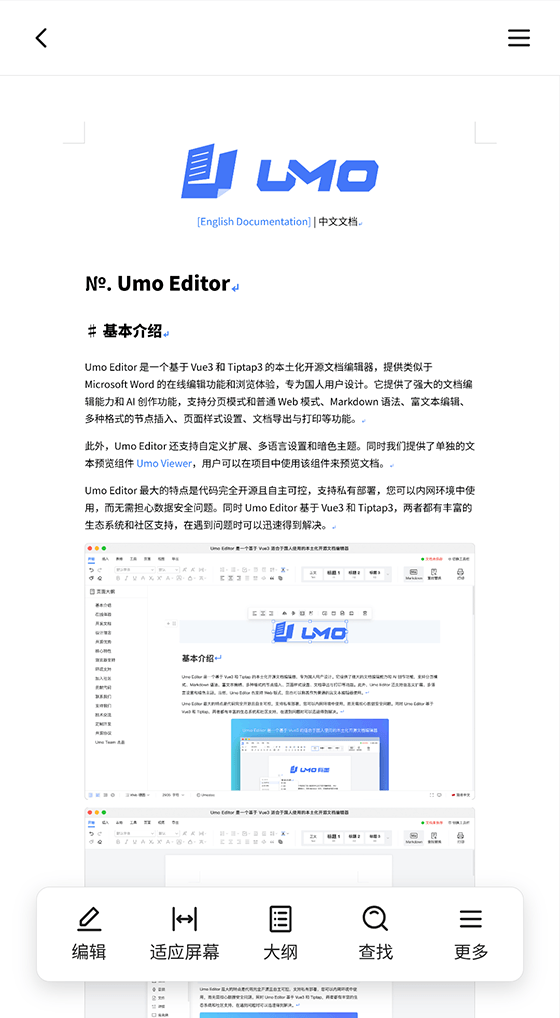 | Web View (Fit to Screen)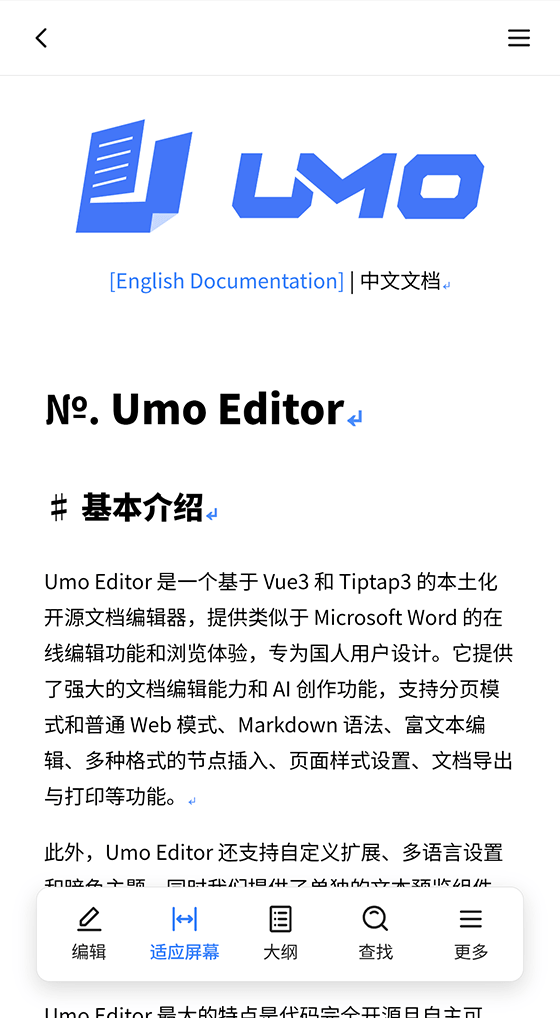 | Find and Replace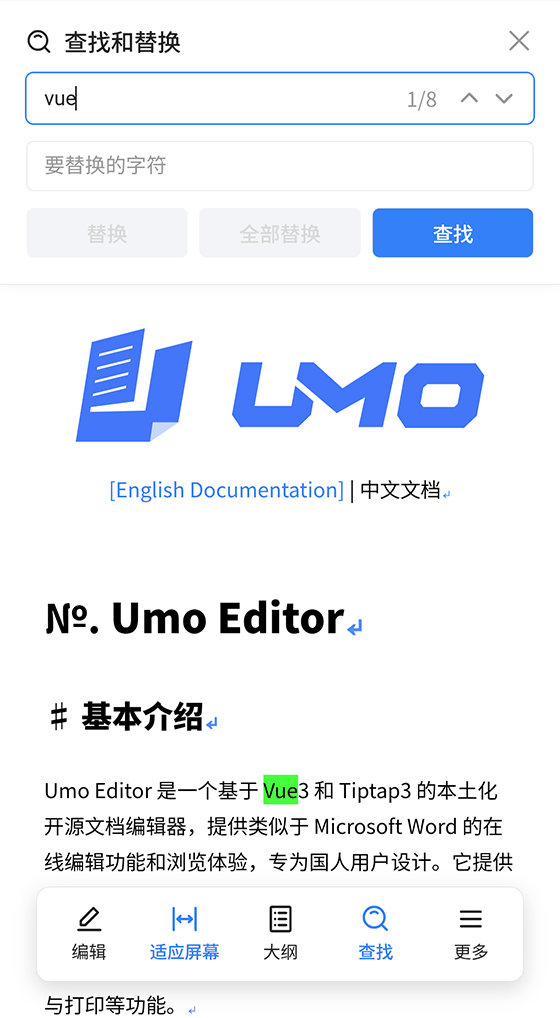 |
Document Outline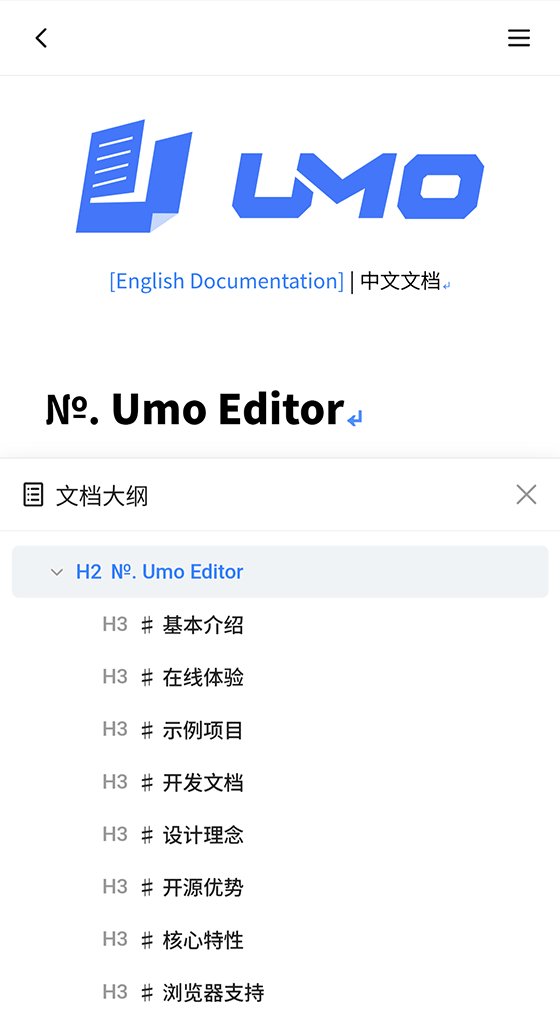 | More Actions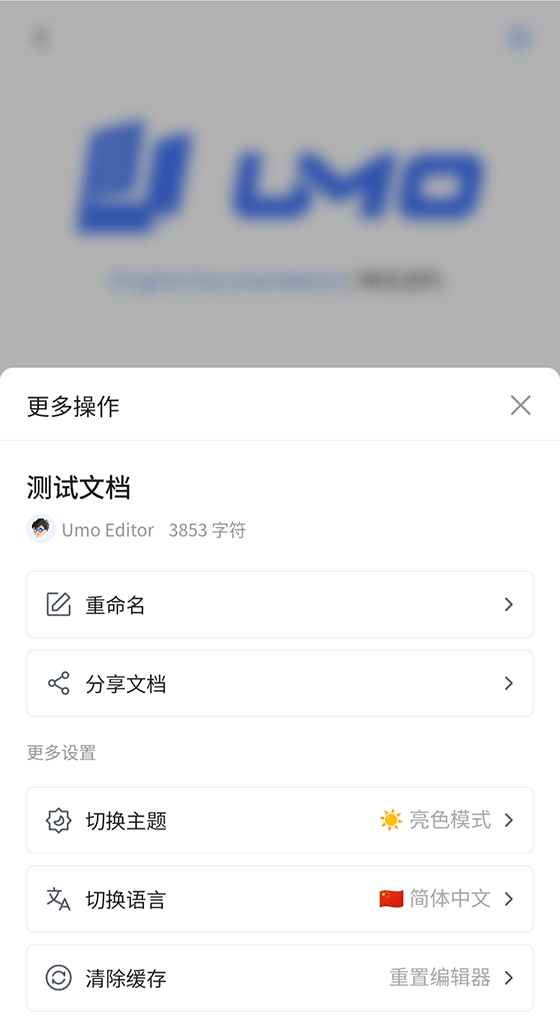 | Edit Mode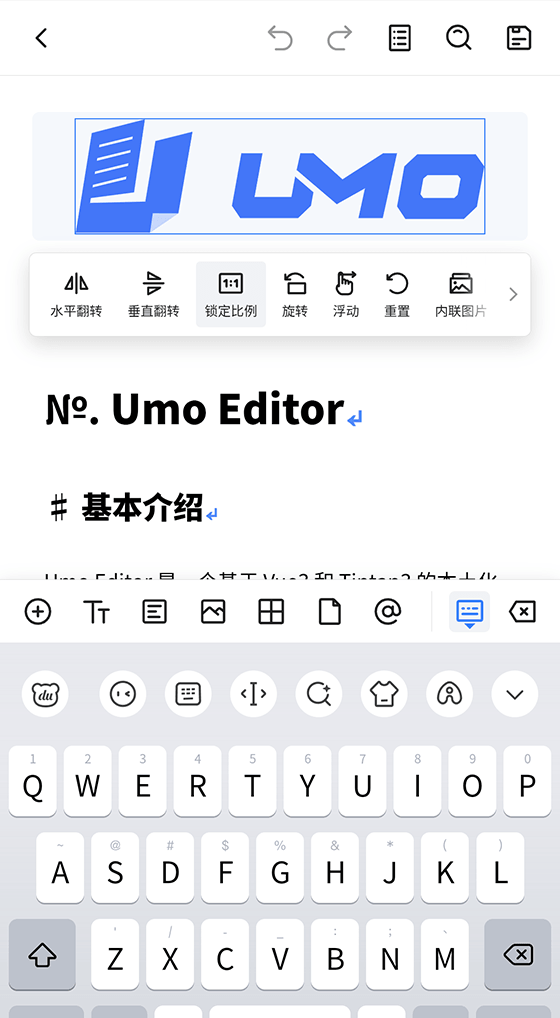 |
Insert Content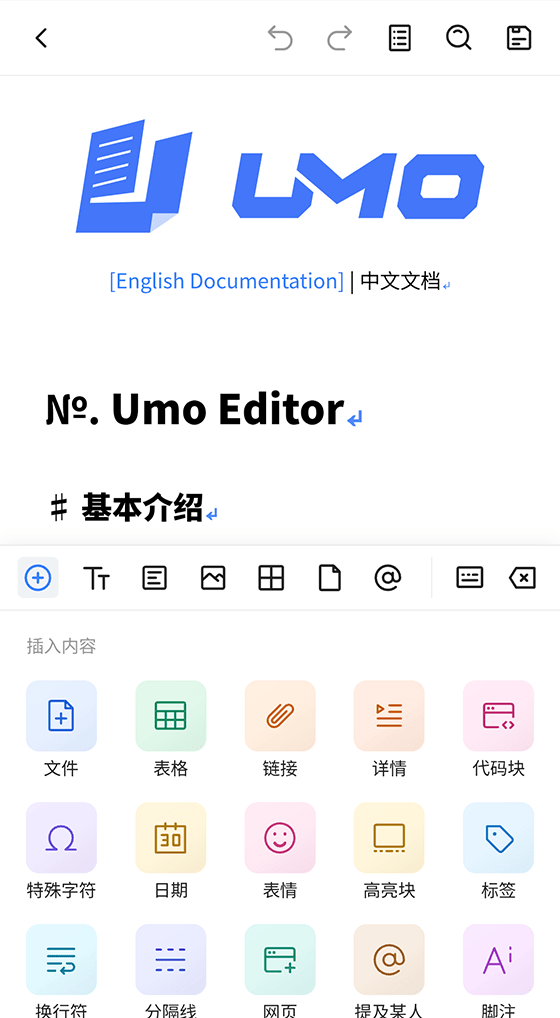 | Text Formatting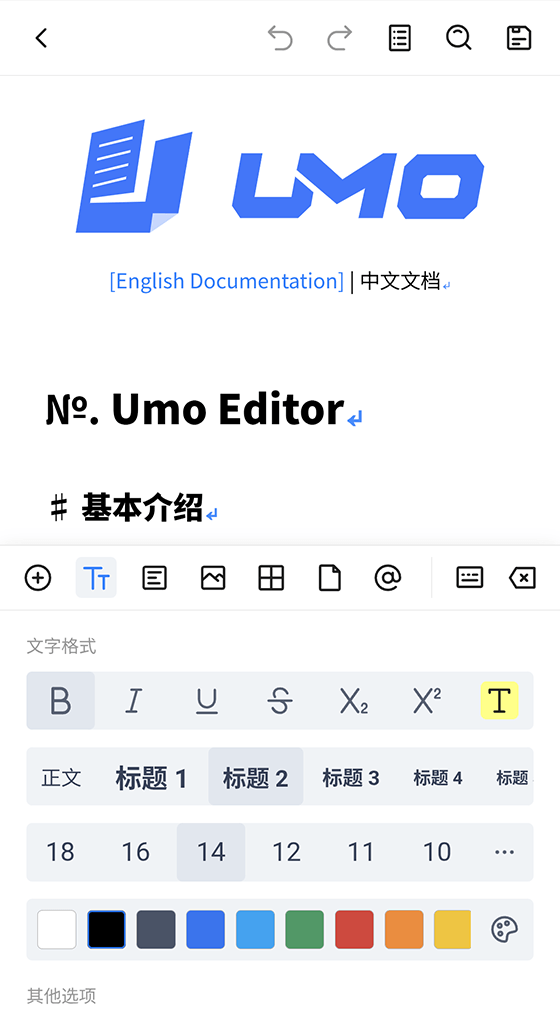 | Paragraph Styles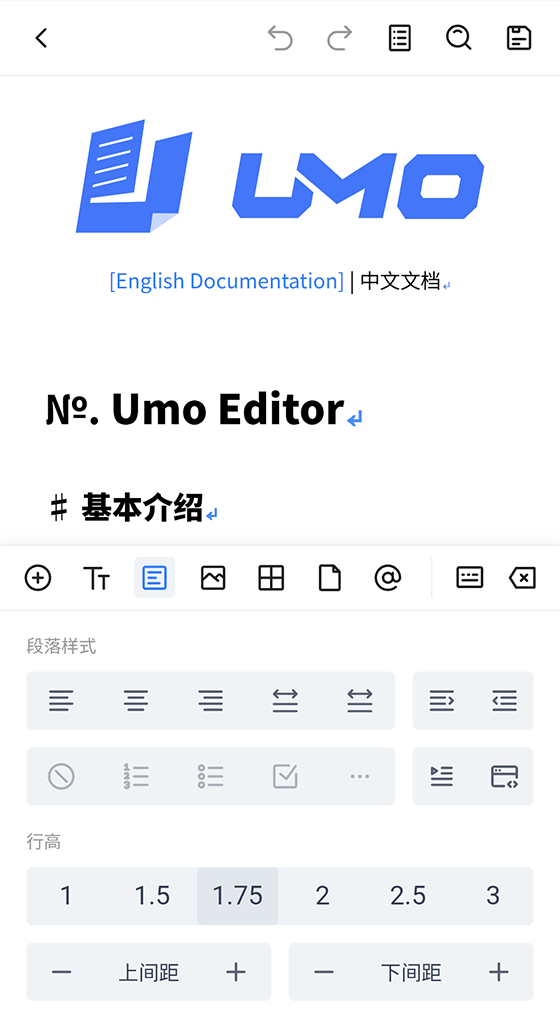 |
Upload Images / Videos / Other Files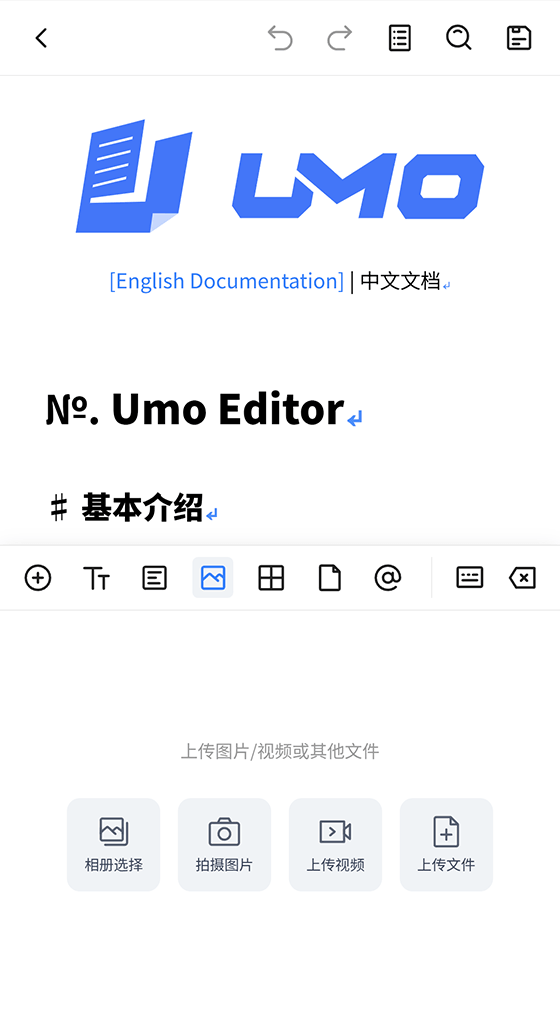 | Table Editing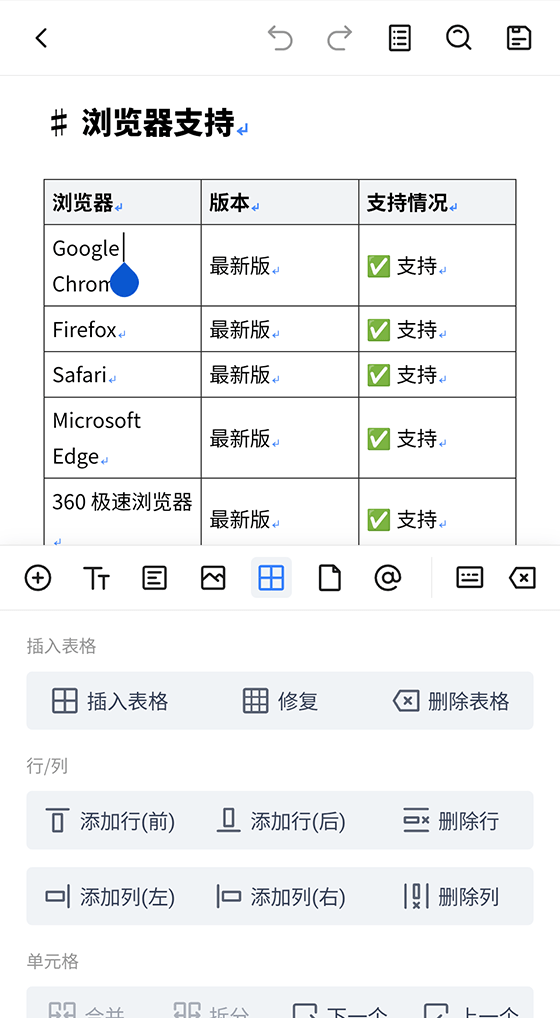 | Page Settings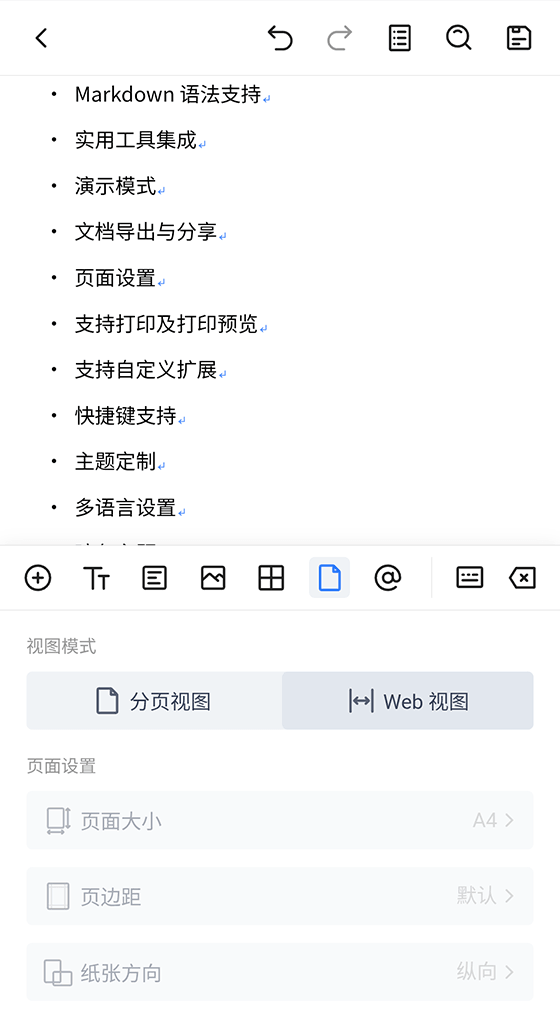 |
Mention Others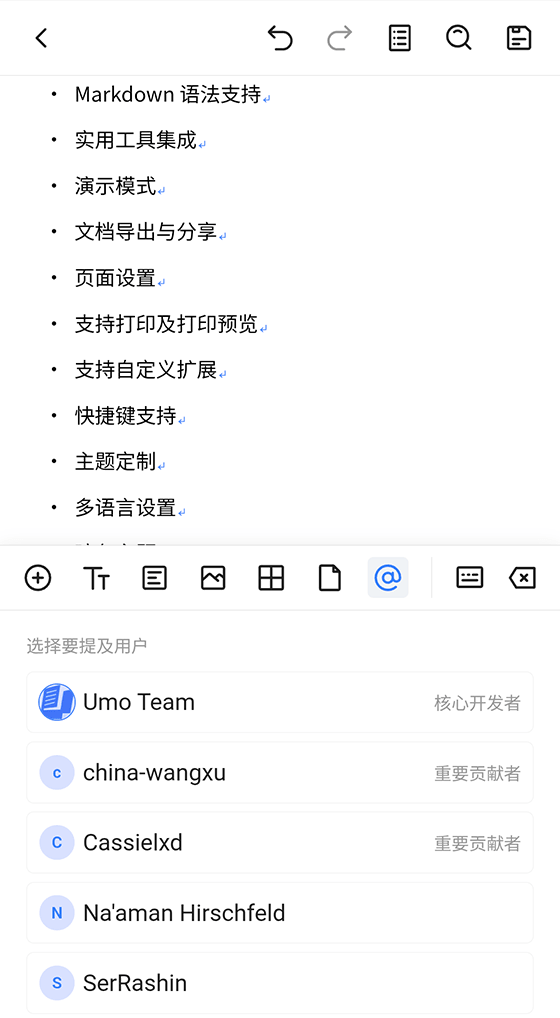 | Switch Theme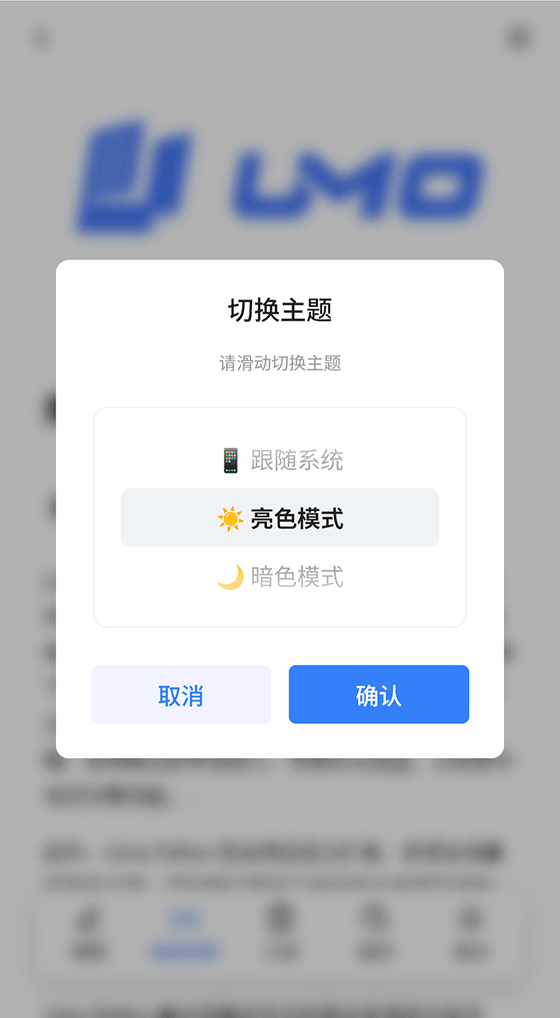 | Switch Language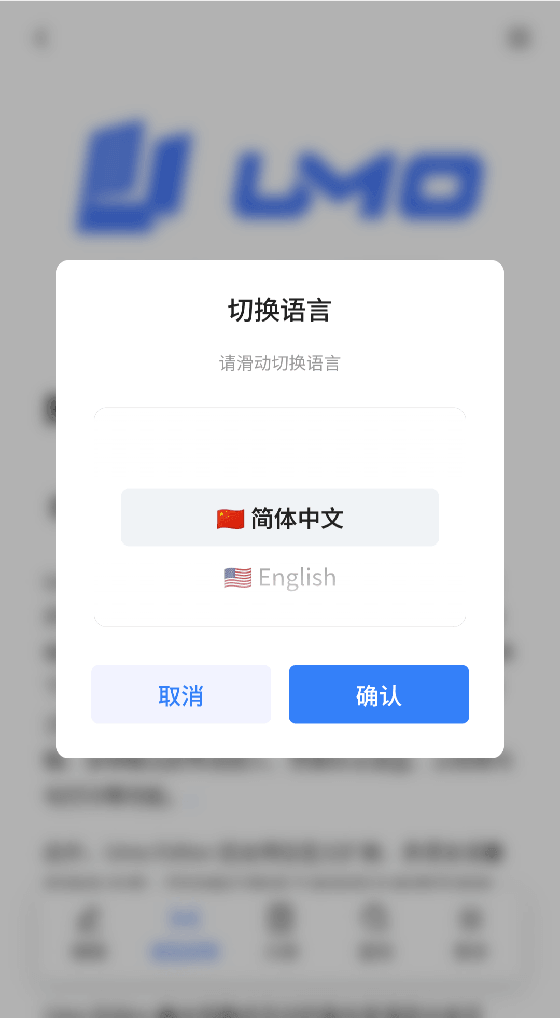 |
Share with Others |
Why Umo Editor Mobile
- Complete preview capability: Fully supports stable preview of Umo Editor documents on mobile, making it ideal for “same-source reading and writing” scenarios.
- Broad editing coverage: Supports direct editing for most node types, covering the main mobile editing workflow.
- Low migration cost: Configuration structure, callback conventions, and API semantics stay as close as possible to the desktop version for easier multi-platform reuse.
- Independently deployable: Includes its own save flow, back-navigation guards, auto-save, history, internationalization, theming, and extension capabilities.
- Stable document reading experience: Same-source documents can be previewed directly on mobile, with a complete reading flow including outline, search, zoom, and view switching.
- High task efficiency: Supports “read first, edit later”, “review while editing”, and “save anytime”, making it well suited for approval, inspection, meeting notes, and field records.
- Easy to learn: Interactions are designed for touch devices, with intuitive navigation, bottom toolbar behavior, and popup logic.
- Low integration cost: Configuration items, event semantics, and method naming stay as aligned with the desktop version as possible, making reuse in existing systems and components easier.
- Clear extensibility boundaries: Supports extensions, disabled extensions, slots, and translation overrides, making it easy to trim capabilities for specific business scenarios.
- Engineering-friendly integration: Supports embedding in H5, WebView, Hybrid, and low-code containers, making it suitable for enterprise multi-platform integration.
- Maintainable: Stable configuration structure and clear capability boundaries make upgrades and multi-project reuse more controllable.
- Supports collaboration: Online collaborative editing is now available, and the mobile editor can share the same collaborative document with the desktop side.
Relationship with Umo Editor
- They share the same document model, ensuring cross-platform consistency.
- Configuration semantics and method naming are kept as consistent as possible to reduce learning and migration costs.
- The desktop version focuses on “complex productivity”, while the mobile version focuses on “touch efficiency and edit-anytime scenarios”.
Documentation Guide
- If this is your first integration, start with Getting Started.
- If you need multi-user real-time editing, continue with Online Collaboration.
- If you want to understand capability boundaries, read Features and Roadmap.
- If you are integrating with business logic, focus on Configuration, Events, and Methods.
- If you need secondary development, continue with Slots and Extensions.
Key Takeaways
- Mobile fully supports Umo Editor document preview: same-source document structures can be rendered directly, with a reading experience highly consistent with the desktop version.
- Core configuration semantics are aligned: mobile configuration items stay as close to Umo Editor as possible.
- Mobile is an independent editor, not just a supplement: it has its own interaction model, panel system, save state machine, leave strategy, and public API.
- A unified adapter layer is recommended: wrapping both desktop and mobile behind a cross-platform
EditorAdaptercan significantly reduce upgrade and maintenance costs.
Can Be Used as a Standalone Viewer
Umo Editor Mobile can be used not only for “preview + edit”, but also as a standalone mobile document viewer.
- Set
document.readOnly: trueto enter read-only mode directly, allowing users to browse documents without modifying content. - Even in read-only mode, users can still use reading features such as outline, search, view switching, and zoom.
- For systems that only need to render same-source documents, it can be integrated as a standalone viewing capability without introducing the full editing workflow.
- If editing needs to be enabled later, you only need to turn on the relevant configuration without replacing the rendering solution.
Design Principles
- Independent first, not an accessory: mobile is designed by default as an independent editor with a complete editing, saving, back-navigation, and state management flow, and can be deployed without depending on the desktop version.
- Cross-platform consistency to reduce mental load: configuration semantics, method naming, and event design stay as aligned with Umo Editor as possible to reduce team learning costs and migration friction.
- Touch efficiency first: navigation, tool panels, popups, and back-navigation behavior are optimized around mobile interaction habits so high-frequency operations can be completed quickly.
- Extensible and evolvable: extensions, slots, and public APIs make business customization possible while preserving maintainability for future upgrades.
Core Features
Unified Preview and Editing
- Switch between page view and web view.
- Includes mobile-specific entry points such as outline, search, and the more panel.
Data and State Capabilities
- Unsaved change detection, save status, and auto-save.
- History tracking, including undo/redo and page setting changes.
- Single-flight save merging to avoid state conflicts between auto-save and manual save.
- Recoverable actions on save failure, including retry now, copy content, and retry later during leave confirmation.
Internationalization and Themes
- Built-in
zh-CN / en-US. - Supports overriding translations via
translations. - Supports
light / dark / autotheme strategies. - Includes complete common interaction text, including accessibility-oriented labels, for consistent multilingual output.
Developer Tooling
- Provides a built-in DevTools entry for mobile debugging and issue diagnosis.
- Supports controlling whether the DevTools entry is shown through the
debugconfiguration.
Customizable Extension Boundaries
- Navigation slots:
navbar_edit_actions/navbar_view_actions. - Extensible and reducible capabilities via
extensionsanddisableExtensions. - Complete public methods and events for business integration.
- Well suited for secondary development, with a clear configuration structure, explicit extension boundaries, and composable methods and events.
Accessibility Enhancements
- Supports accessibility semantics and keyboard reachability.
- Supports keyboard navigation to improve usability for screen readers and non-touch scenarios.
- High-frequency action buttons have improved touch targets and visible focus feedback, making the editor friendlier for elderly users and special usage scenarios.
Applicable Scenarios
- Mobile standalone editor scenarios: directly used as the main editor in mobile OA systems, mobile knowledge bases, and mobile record systems without relying on the desktop version.
- Unified preview and light-to-heavy editing scenarios: preview first then edit, approve first then supplement, capture on site and then organize in a structured form.
- Enterprise workflow scenarios: approvals, inspections, meeting notes, project logs, mobile signing, and follow-up data entry.
- Embedded application scenarios: integrated into H5, WebView, Hybrid, and low-code containers.
- Multi-platform collaboration scenarios: shares the document model and configuration semantics with the desktop version, enabling “deep editing on desktop + handling anytime on mobile”.
Official Website and Online Experience
- Website: https://mobile.umodoc.com
- Online Demo: https://em.umodoc.com
- We recommend trying it on a mobile device first, where the touch interactions better match real business scenarios; desktop browsers are better for quick previews.
Commercial Licensing and Editions
Umo Editor Mobile provides three commercial editions, covering everything from pilot adoption to large-scale enterprise rollout:
- Basic Edition: suitable for individuals, small teams, and pilot projects, with a low barrier to quick adoption.
- Source Code Edition: suitable for formal enterprise production use, supporting deep integration and secondary development.
- OEM Edition: suitable for branded delivery and deep customization, supporting complex business scenarios.
For more information, visit the pricing page on the official website or contact us directly for recommendations.
FAQs Before Purchase
- Do we need to sign a contract? Yes. Enterprise legal review and clause discussions are supported.
- Can invoices be issued? Yes. Invoices can be issued according to enterprise requirements.
- How long is the delivery cycle? Standard editions can be delivered quickly after purchase confirmation. Custom requirements follow an evaluated schedule.
- Do you provide deployment and technical support? Yes. The exact scope depends on the edition and solution.
- How are future upgrades handled? Upgrade and maintenance support are provided according to the edition strategy to ensure stable evolution.
If you need purchasing consultation, contact us via:
- Email: contact@umodoc.com
- WeChat: umodoc
Environment Requirements
- Node.js >= 18
- Vue >= 3
- Tiptap >= 3
Documentation Badge Guide
To help developers already using Umo Editor or Umo Editor Next transition more smoothly to Umo Editor Mobile, the documentation uses the following badges to mark differences between mobile and desktop behavior:
- No badge: the mobile and desktop semantics are basically the same, or the page only introduces mobile capabilities.
- Different on Mobile: the capability differs and should be compared carefully during integration.
- Not Supported: the desktop version has the capability, but the mobile version currently does not, or it has been removed on mobile.
- Mobile-Only: the capability is mainly designed for touch-first scenarios and has no direct desktop counterpart, or the interaction is significantly different.
Quick Difference Overview
Configuration items, events, and public instance method names in Umo Editor Mobile stay as aligned with the desktop version as possible, making business-side code reuse easier.
- Mobile-Only Interactions are centered around the navigation bar, bottom TabBar, bottom toolbar, popup panels, gesture zoom, and back-navigation guards, rather than the desktop top toolbar and right-side panels.
- Different on Mobile Switching between read-only mode and edit mode is more explicit, with a reading-first design that fits “read before editing” and fragmented input scenarios.
- Different on Mobile Language switching currently takes effect by reloading the page, and built-in languages are limited to
zh-CNanden-US. - Different on Mobile Only three public slots are currently exposed:
navbar_edit_actions,navbar_view_actions, andbubble_menu. - Not Supported The documentation will continue to mark configuration items, events, methods, and features that exist on desktop but are not available on mobile, making cross-platform comparison easier.
Built by Umo Team
- Umo Editor: A localized open-source document editor built with Vue3 and Tiptap3, designed for Chinese users and enterprise scenarios.
- Umo Viewer: A lightweight open-source document viewer for Umo Editor documents.
- Umo Editor Mobile: A mobile document editor for enterprise business scenarios, designed for standalone integration as well as collaboration with Umo Editor and Umo Editor Next.
- Umo Editor Next: The enterprise edition of Umo Editor, built for teams that need more than a rich-text editor. It extends the core editing experience with a more complete foundation for real business workflows, making it a better fit for products that need to bring document capabilities into complex enterprise scenarios.
- Umo Editor Server: A companion server product designed to enhance Umo Editor with capabilities such as real-time collaboration, comments, and document import/export.
- Umo Office Viewer: An office document viewer that supports online viewing for more than 40 mainstream office formats, including WPS files.
- Umo Office Convert: Converts Office, WPS, and more than 40 office file formats into web-viewable document formats, and can be used together with Umo Office Viewer for online preview.