Debug Configuration
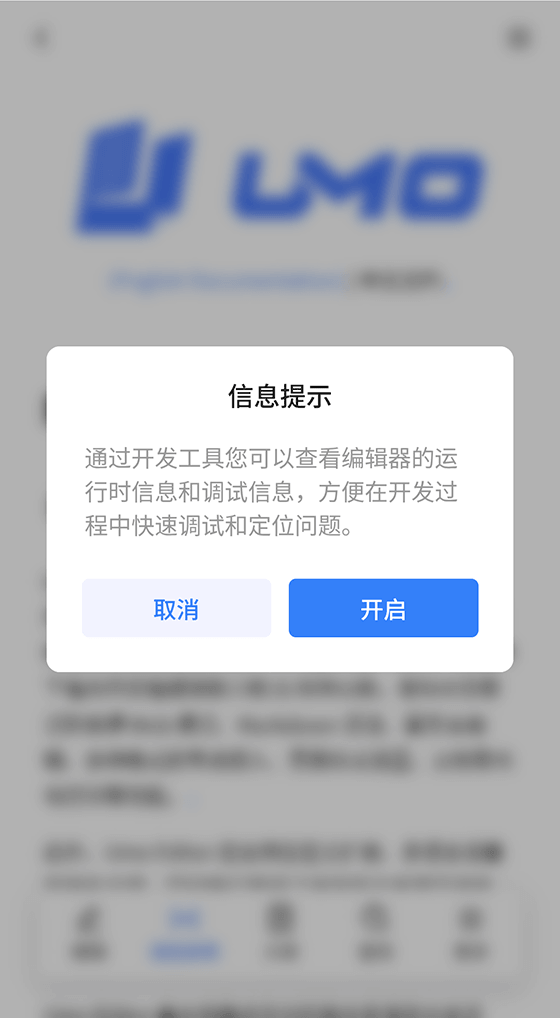
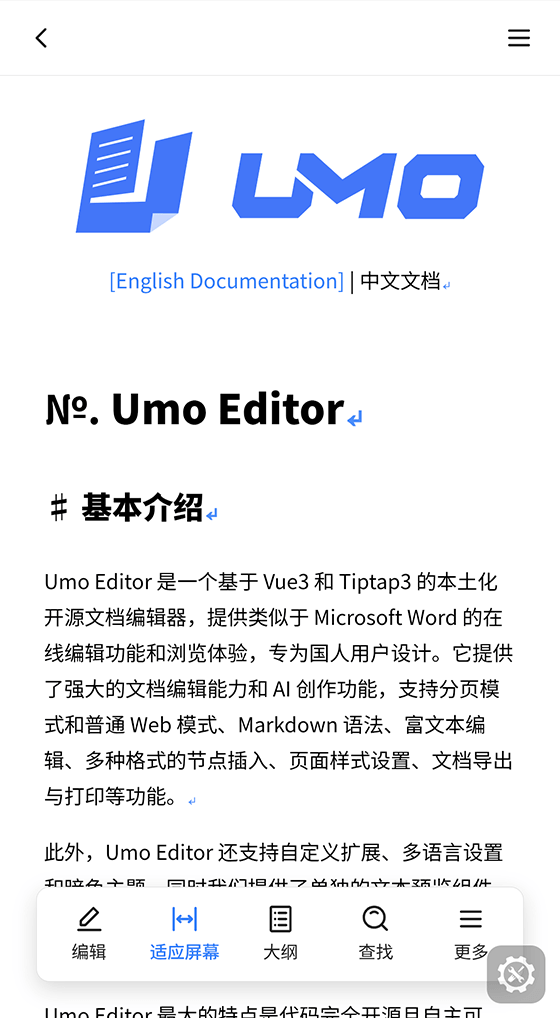
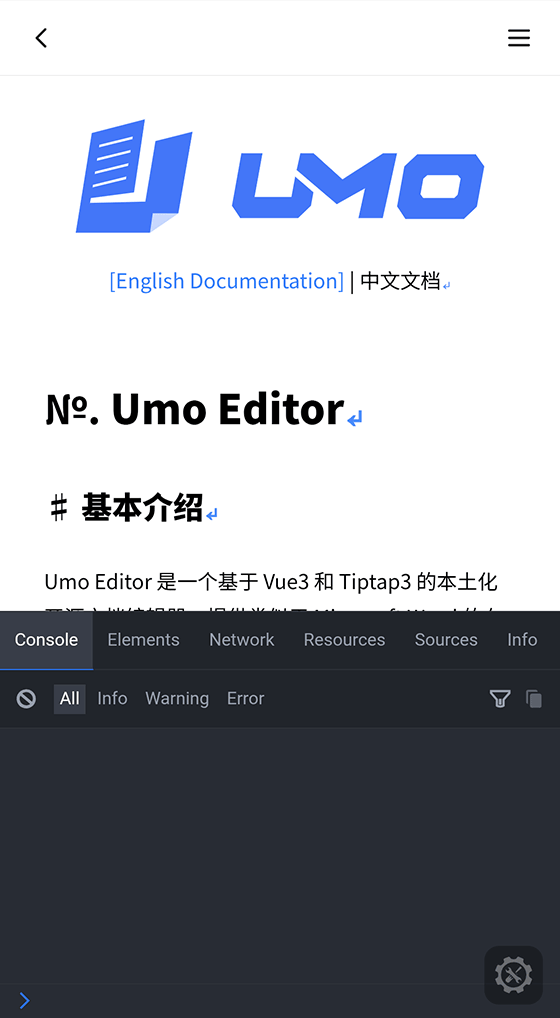
Used to control the debugging capability switch in Umo Editor Mobile, making it easier for developers to debug on mobile devices. This configuration mainly affects whether a DevTools entry is shown in the mobile “More” panel and whether the built-in debugging tool can be enabled at runtime. Mobile-Only
Screenshots
| 1 | 2 | 3 |
|---|---|---|
 |  |  |
Default Configuration
{
  debug: false,
}
Configuration Item
debug
Description: whether to allow the built-in DevTools to be enabled from the mobile “More” panel.
Type: Boolean
Default: false
Optional values:
true: show the debug entry and allow users to enable or disable DevTools at runtimefalse: hide the debug entry and forcibly disable already-enabled DevTools
Runtime Behavior
When debug is true, the mobile “More” panel displays a debugging item, and the user can toggle DevTools at runtime.
The debug state is persisted locally by editorKey, so different editor instances can maintain independent debug switch states.
If debug is later switched back to false:
- the debug entry is removed from the “More” panel
- any enabled DevTools instance is closed immediately
- the locally persisted debug state is also reset to disabled
Usage Examples
Global Configuration
const options = {
  debug: true,
}
SFC Example
<template>
  <umo-editor :debug="true" v-bind="options" />
</template>

<script setup>
import { ref } from 'vue'

const options = ref({
  async onSave() {
    return 'Saved successfully'
  },
})
</script>
Recommendations
- In development, integration, and testing environments, enable
debugas needed to troubleshoot WebView behavior, resource loading, save flows, and runtime errors. - In production, it is usually recommended to keep
debug: falseto avoid exposing debugging entry points to end users. - If your business has multiple editor instances or multiple document pages, use it together with
editorKeyso each instance maintains its own local debug state.
Key Differences from Desktop
debugMobile-Only: controls the DevTools entry in the mobile “More” panel.- The debugging tool is carried differently Different on Mobile: mobile relies on a built-in runtime debugging tool rather than normal desktop browser or standalone development-environment debugging workflows.
- The debug state is persisted locally Different on Mobile: it is currently stored as
umo-editor-mobile:${editorKey}:debug.